
Show every customer your product in their room.
Foresee is the visualisation platform for businesses that sell visual products. Bring your catalogue in once and let your website, sales team, and in-home reps turn any customer photo into a believable visualisation — in seconds.
No card required. Set up your first product and generate visualisations the same day.
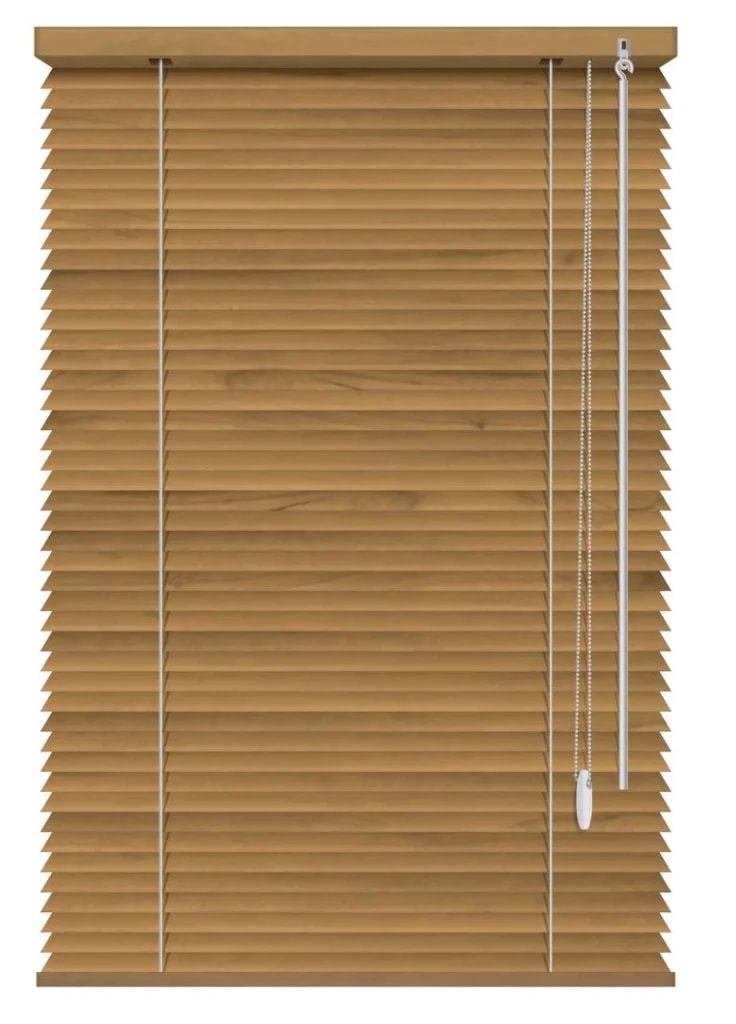

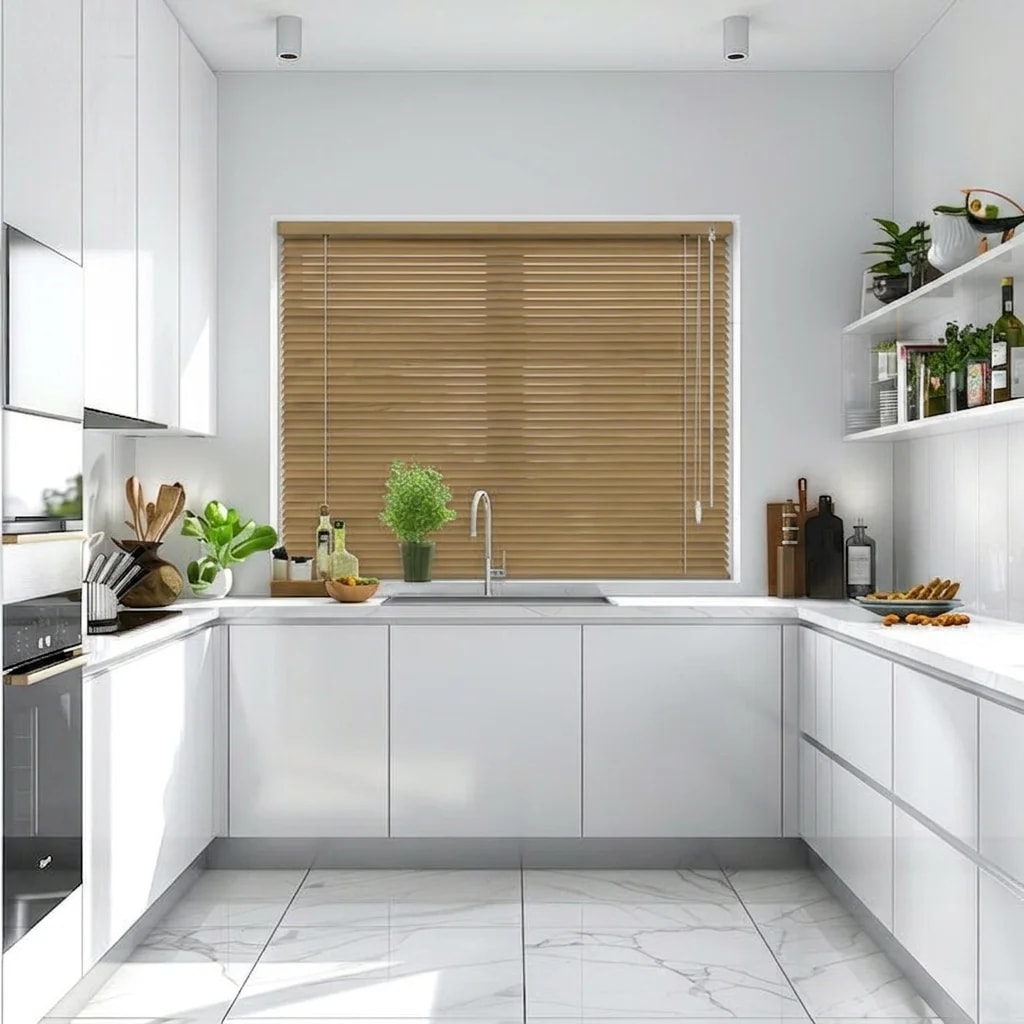
The customer shares a photo of the room they care about.
They see your product in that space — not a generic showroom shot.
You send them to buy, get a quote, or keep the conversation going.
Built for businesses, not experiments.
Foresee is designed to slot into how your business already sells. Bring your team in, connect the tools you use every day, and put visualisations in front of customers straight away.
Live in days, not months
Bring your products in, add a few team accounts, and you're generating customer-ready visualisations the same week.
Fits your existing stack
Sits alongside Shopify, WhatsApp, email, and the CRMs your team already uses — no rebuild required.
Built for real sales teams
Designed to be used on a tablet in a customer's living room, in a chat window, or on a product page — not just in a demo.
Customers buy what they can picture.
The biggest barrier to purchasing visual products is uncertainty. Foresee removes that uncertainty by showing the product in the customer's own space before they commit.
Add your products
Upload photos and a few details about what you sell — blinds, sofas, lighting, and more.
Customer shares a photo
From your website, a WhatsApp chat, an email, or a visit to their home.
They see it in their space
A realistic visualisation appears in seconds — placed naturally in the room, not pasted on top.
They buy with confidence
Send them to checkout, a quote request, or a follow-up with your sales team.
It knows a blind belongs on a window.
Rugs sit on the floor. Art hangs on the wall. Lighting goes where lights go. Foresee places products sensibly in the room — so visualisations look believable enough to share with a customer.
Know it'll match.
Let customers compare colours, finishes, and styles in their own room instead of imagining the outcome from a product photo. Fewer returns, fewer "we changed our mind" conversations, more confident buyers.
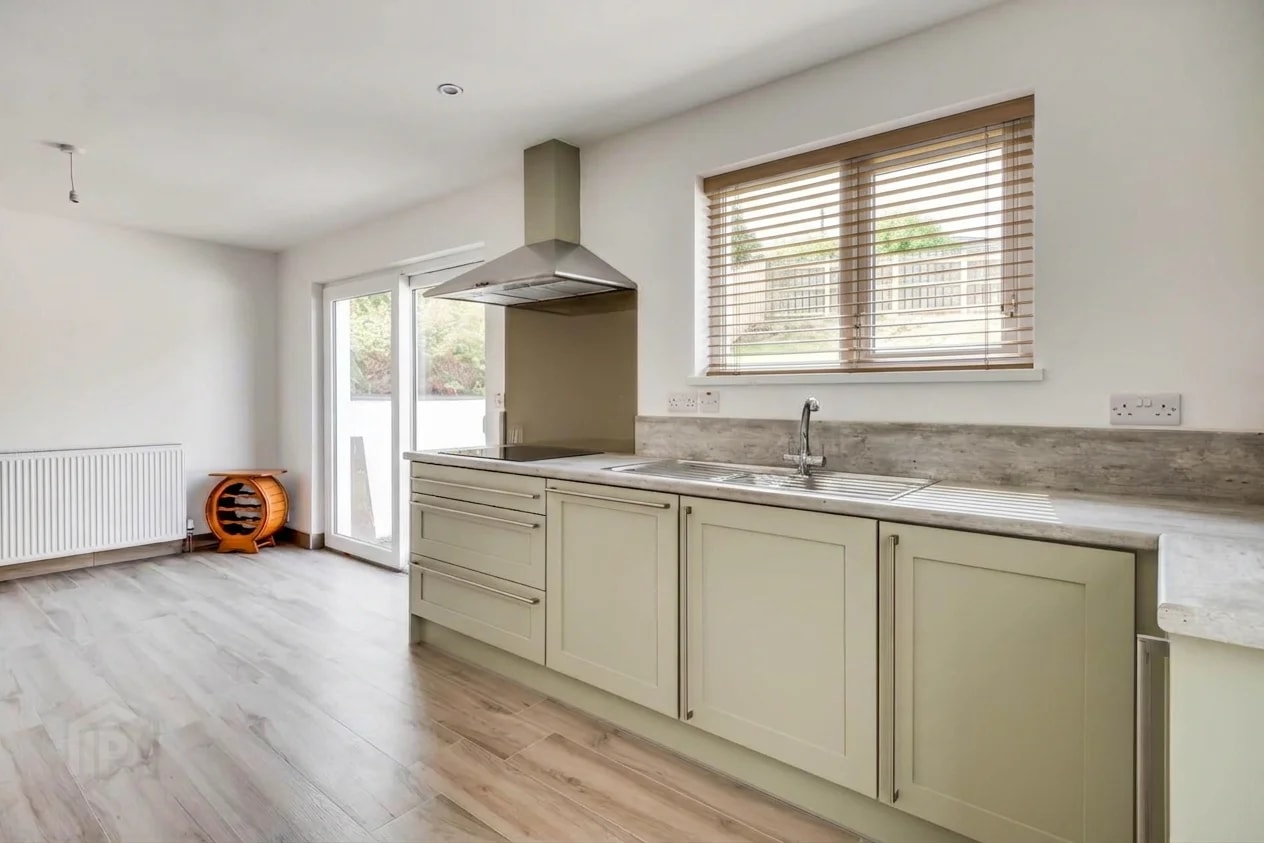
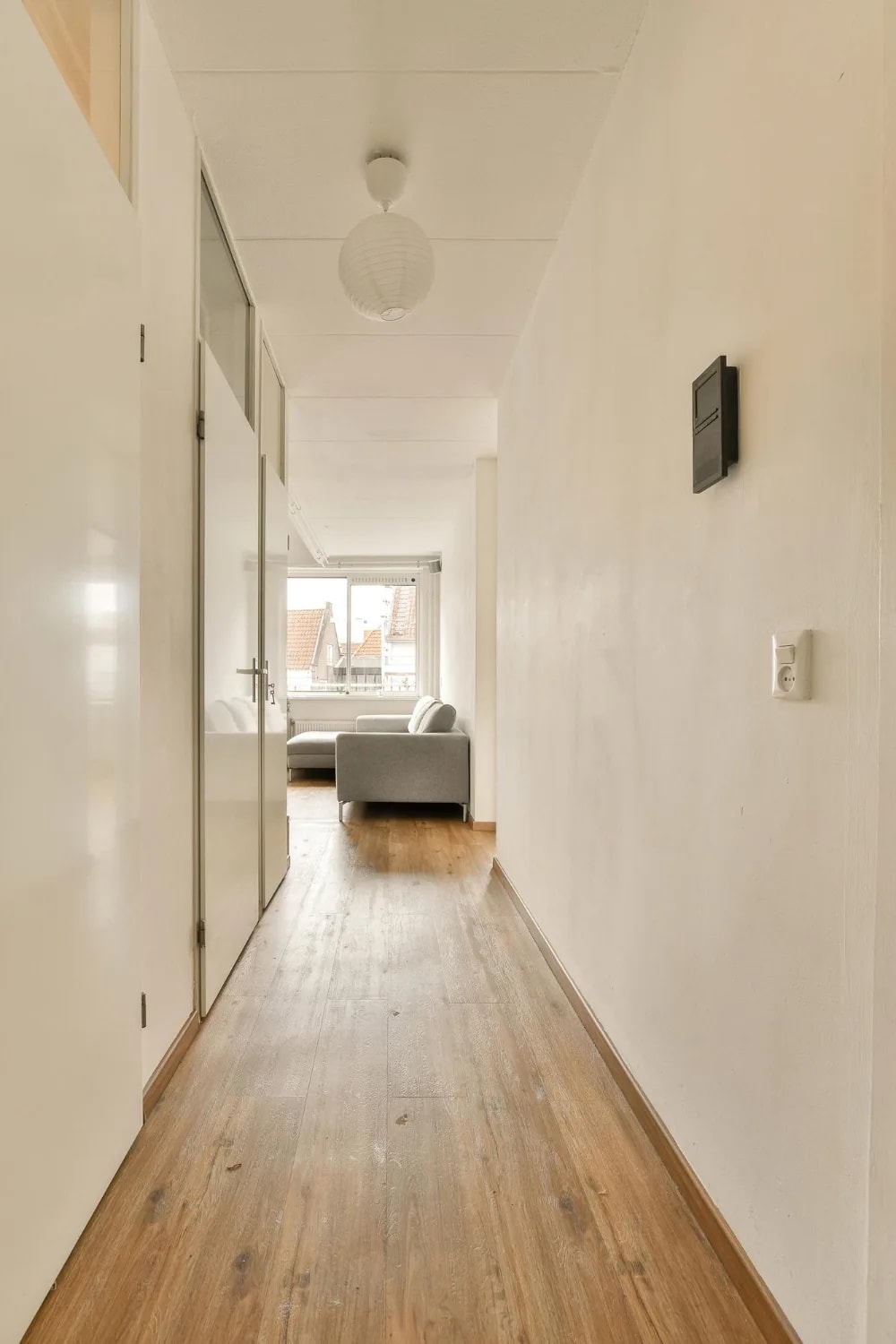
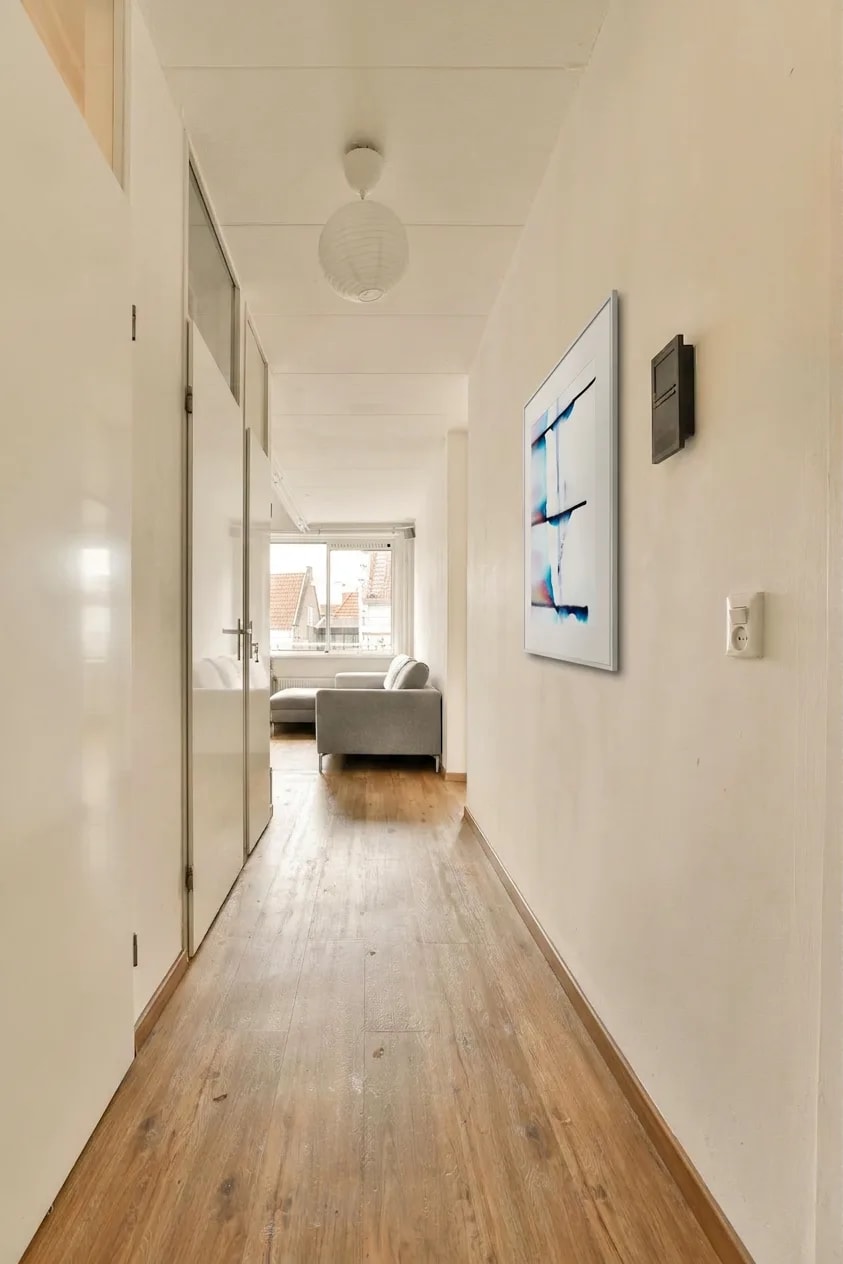
Picture the result.
People don't buy blinds — they buy a darker bedroom. They don't buy lighting — they buy atmosphere. Show the outcome customers actually want, in the room they're standing in.
Help customers move from maybe to yes.
Businesses that show customers the outcome — instead of asking them to imagine it — close more sales, waste fewer conversations, and see fewer returns. Here's what changes in the first few weeks.
The outcomes retailers and sales teams use Foresee for.
When shoppers can see your product in their own room, they move from browsing to buying with far less hesitation.
Cut down repetitive product questions and let your team spend more time closing, less time reassuring.
Customers don't have to imagine anything — they see the exact product in the exact space they're buying it for.
Sales reps open every reply with a picture of the outcome, not another stock photo — messages get answered.
Customers who see it before they buy are less likely to regret it after — protecting margins on every order.
Confident customers buy the full look for the room, not just the safest single product.
Ready to give your team a visualisation tool?
Create your account, bring your products in, and start turning customer photos into ready-to-share visualisations the same day.
No credit card required. Cancel anytime. Set up in minutes.
One visualisation. Every way you sell.
Your team already sells on Facebook, by email, in people's homes, and on your site. Foresee drops a personalised visualisation into each — without asking customers to change how they buy.
Reply with their room, not a stock photo.
Send a personalised visualisation in Facebook, WhatsApp, or Instagram — right where the chat already happens.
Follow-ups that get opened.
Swap generic product shots for a picture of your product in the customer's actual home.
Show the result before you leave.
Snap a photo on a tablet, pick a product, and let the customer decide while you are still there.
Walk-ins leave sure of their choice.
Capture their space in-store and send a visualisation they can show their partner at home.
Let shoppers try it themselves.
Add a simple tool to your product pages so customers upload a photo and see the result instantly.
Works with what you already use.
Shopify, HubSpot, WhatsApp, and more — we fit into your current setup without starting over.
Reply with their room.
Send personalised visualisations over WhatsApp, Messenger, or email — wherever your sales team already talks to customers. No new tools, no context switching, no template replies.
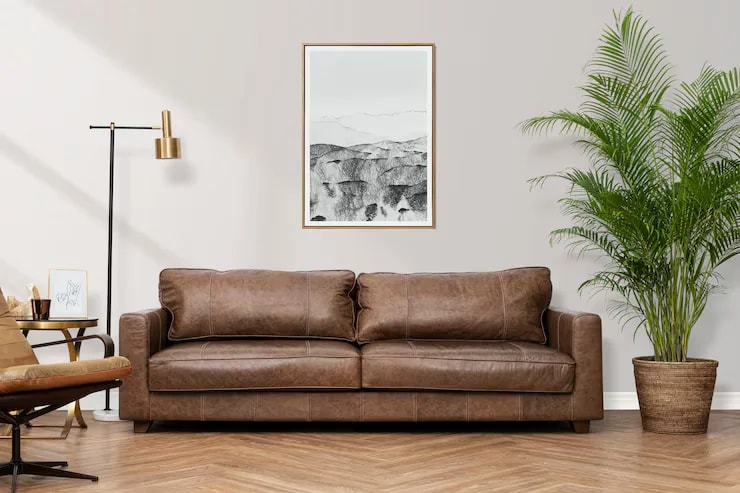
What color of your table would work in our living room?
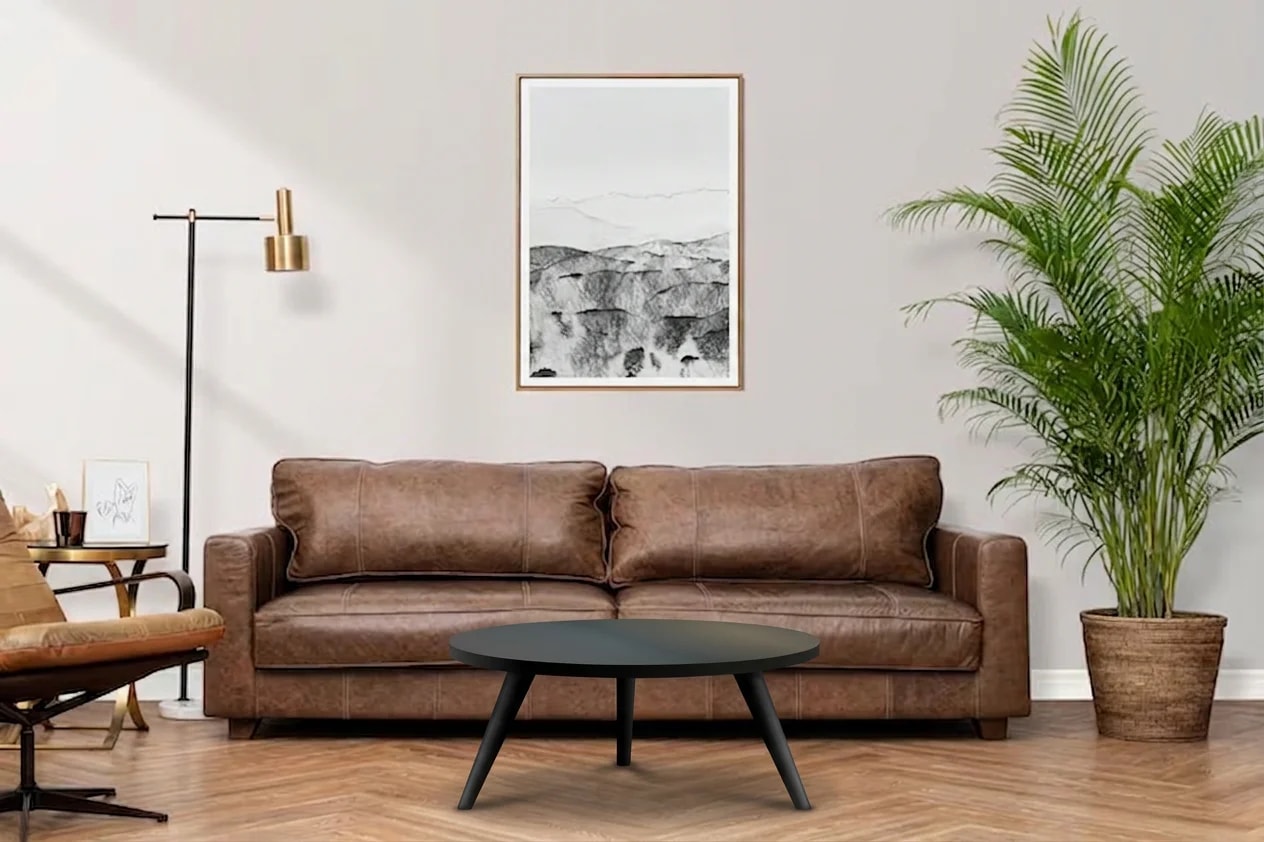
Here's how the Black coffee table could look



Buy with confidence.
When customers can see the result in their own space, uncertainty disappears and buying becomes easier. Fewer "let me think about it" conversations, more customers reaching for their card.
Frequently asked questions
What kinds of products work best?+
Products where customers hesitate because they cannot picture the item in their space: window coverings (blinds, curtains, shutters), furniture (sofas, beds, tables), rugs and flooring, lighting, wall art and mirrors, and home decor.
How realistic are the visualisations?+
Foresee places products sensibly in the room — blinds on windows, rugs on floors, art on walls — using your product photos and details. The results are realistic enough to share in sales conversations, email, messaging, and on product pages.
Where do customers upload their photos from?+
Anywhere your team already sells. The same tool powers your website, sales links, Messenger and WhatsApp conversations, email outreach, in-home visits on a tablet, and showroom workflows.
How is data handled?+
Images are stored securely and used only to create visualisations. We do not use your catalogue or customer photos to train public AI models. See our data processing page for full details.
Stop asking customers to imagine the result. Let them see it.
Bring your products into Foresee, and start showing every customer your catalogue in their own home — this week.